


FrameBar for Samsung's Frame TV

Instagram Post 1
Bring beautiful art and incredible sound together with Samsung's Frame TV and Leon's FrameBar to turn any room into a masterpiece.
#theframe #samsungframetv #frametv #tvspeakers #soundbar #leonspeakers #framebar
Download Image
Instagram Post 2
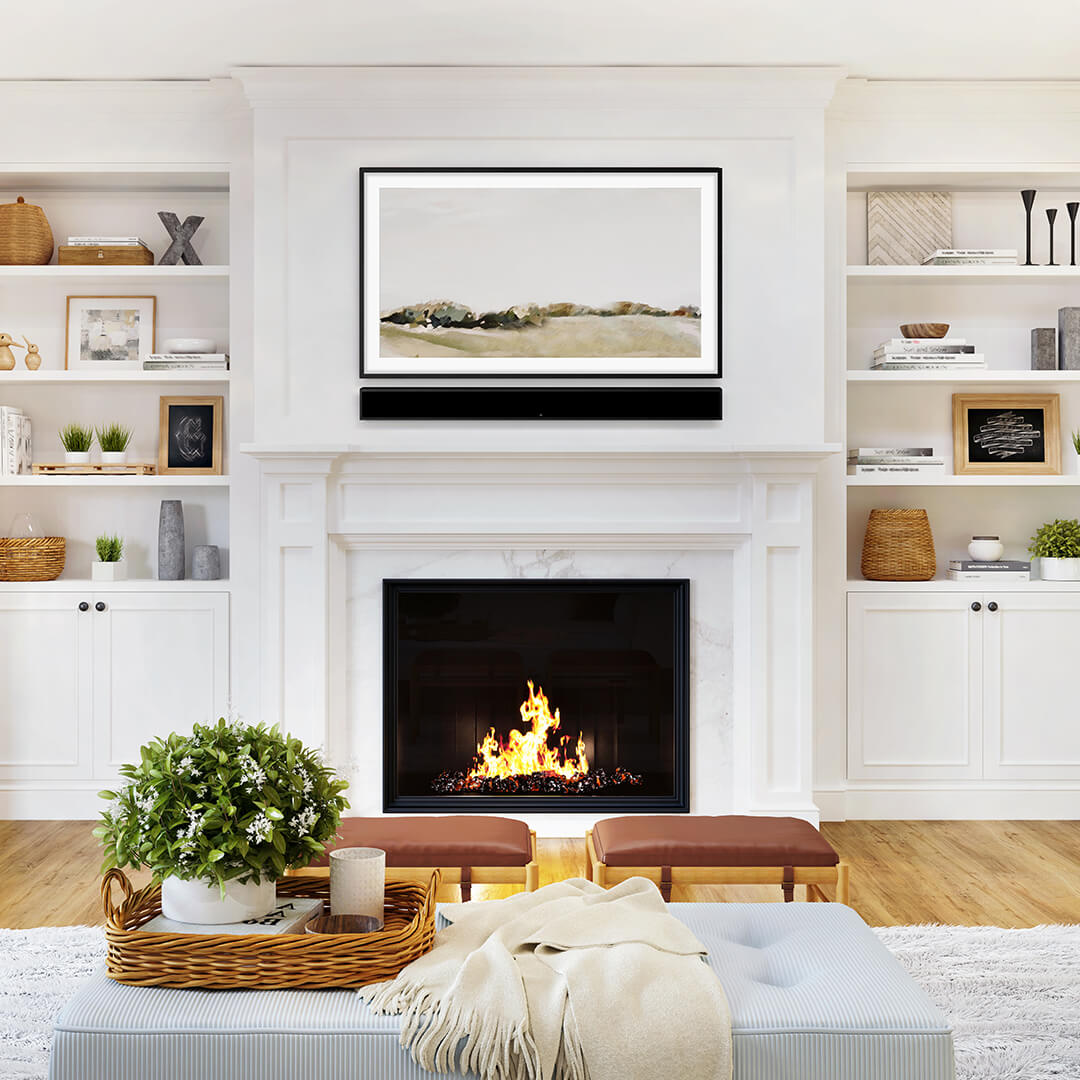
The ultimate soundbar for Samsung’s Frame TV, Leon’s FrameBar is handcrafted to match the exact width and finish of any bezel while providing an elevated listening experience for all your music, movies, and TV.
#theframe #samsungframetv #frametv #tvspeakers #soundbar #leonspeakers #framebar
Download Image
Instagram Post 3
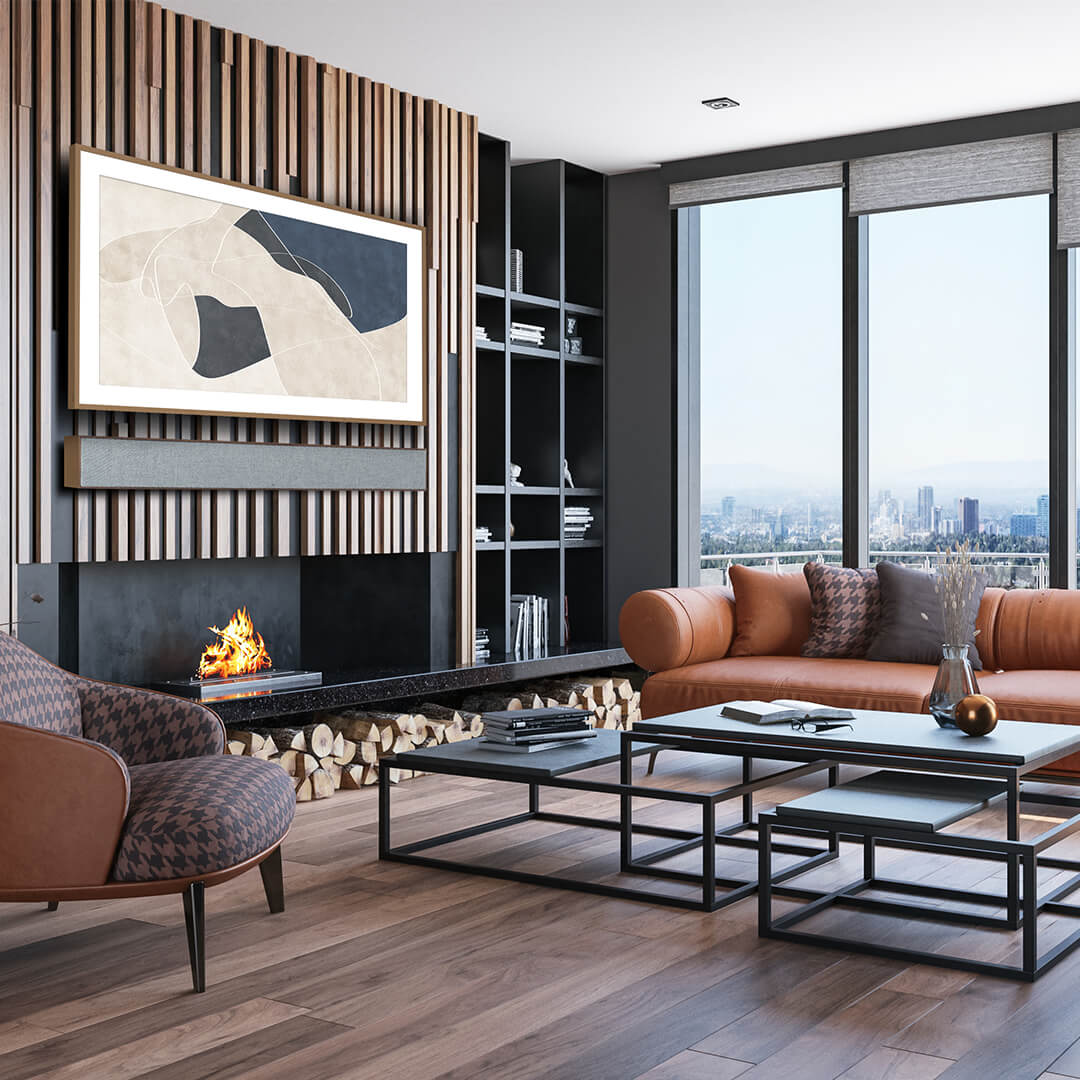
The ultimate soundbar for Samsung’s Frame TV, Leon’s FrameBar is handcrafted to match the exact width and finish of any bezel while providing an elevated listening experience for all your music, movies, and TV.
#theframe #samsungframetv #frametv #tvspeakers #soundbar #leonspeakers #framebar
Download Image
Need Help? Follow the Steps Below to Share on Instagram
Share from Phone
1. Tap [+] on the bottom drawer and tap Post
2. Select the FrameBar image from your phone's library
3. Tap Done, then Next until you’re prompted to Write a caption...
4. Add the copy and recommended hashtags
5. Tap Share
Share from PC
1. Click Create [+] on the left
2. Click Select from Computer and choose the FrameBar image
3. Click Next until you’re prompted to Write a caption...
4. Add the copy and recommended hashtags
5. Click Share on the top right